
Introduction
The concept of AI Agent Skills, and how it is designed and implemented in FastGPT.
What is an AI Agent "Skill"?
Under the latest ecosystem designs of mainstream AI providers, a "Skill" is defined as a persistent, reusable, and modular workflow and capability package.
For example, if you frequently need the AI to audit complex spreadsheets and write analysis reports, you can package the 'audit code' and 'report template' into a Skill. In future chats, you can simply upload your spreadsheet, and the AI will run the skill in the background to compute results and format the report.
Core Design Philosophy: From Tools to Skills
In the general cognitive framework of AI Agents, we typically divide capabilities into three layers:
- The Brain (Brain): Responsible for reasoning and planning (the LLM itself).
- Tools (Tools): Simple execution interfaces (such as sending a web request or running a temporary line of code), resembling the AI's "hands and feet".
- Skills (Skills): Providing the complete "operational knowledge and professional logic" (Know-how).
A skill is typically a modular package encapsulating instruction markdown (how to do it) and executable scripts (actually doing it). If a tool is a "screwdriver" in your toolbox, then a skill is a "furniture assembly guide". The AI can automatically grab this guide from its skill library based on the current context, execute the code inside a background sandbox, and complete the complex assembly.
Skills in FastGPT
Following the industry-standard design of Skills, FastGPT provides you with a "dedicated code execution workspace" featuring the following core designs:
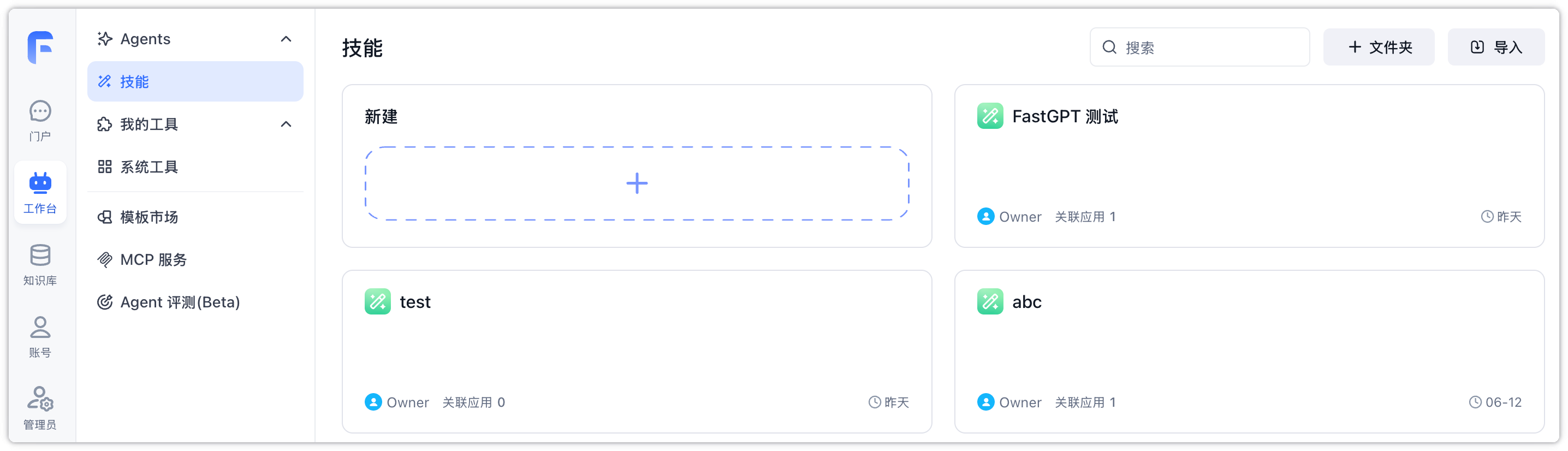
1. Isolated Secure Runtime Sandbox
Each created skill during editing runs in a fully isolated, secure sandbox environment (powered by Sealos Devbox, OpenSandbox, etc., in the backend). All operations are restricted within this workspace to ensure safety.
2. Instant Hot-Reloading Debugging
Provides an online debugging environment integrating a file tree, code editor, and console terminal. Equipped with an agent debug panel on the left supporting hot reloading, allowing you to troubleshoot the skill before publishing.
3. Isolation of Production & Debugging
Edits in the workspace will only take effect instantly in the "Debug Chat" area. Changes will only be applied to production agents once you click publish and snap a new version, ensuring service stability.
4. Auto-Sleep & Seamless Invocation
For long-inactive skills, the system automatically shuts down the sandbox and performs cold-archiving to storage. When edit or agent invocation resumes, the sandbox is automatically re-instantiated and restored from the archive in the background. You are only billed when the skill is active, dramatically reducing your runtime costs.
File Updated