
Initialization Script
Learn how to configure and execute initialization scripts in skill packages to prepare the skill running environment.
The skill initialization script is an optional pre-execution script provided by the skill developer. After the system successfully deploys and extracts your skill in an app, it automatically runs this script in an isolated virtual machine before executing the actual AI tasks.
Through the initialization script, you can automatically install third-party dependencies or perform necessary configurations before the skill code runs.
1. Skill Script Configuration and Execution Timing
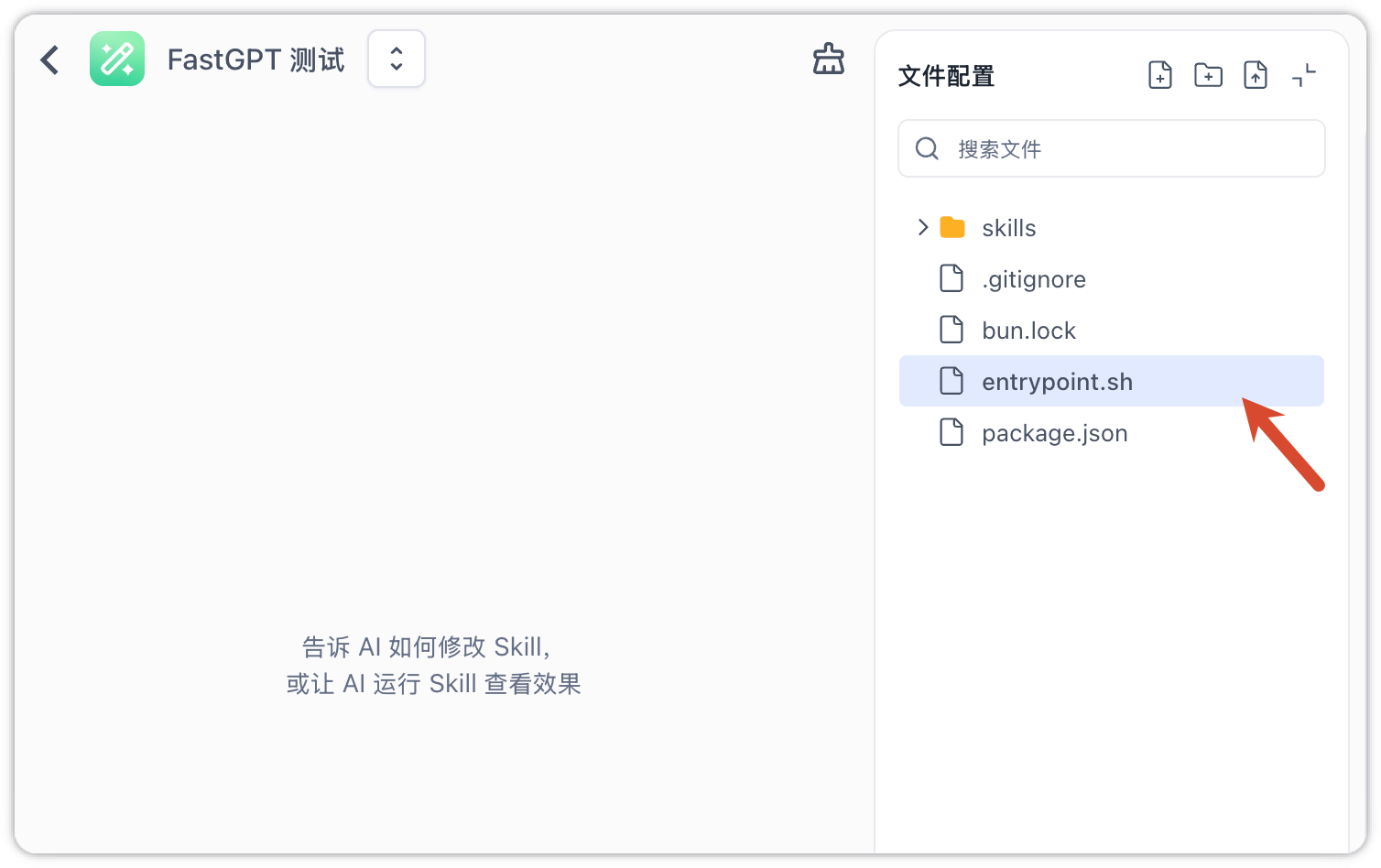
To add an initialization script to your skill, simply place a Shell script named entrypoint.sh in the root directory of your skill package.
Execution Timing
- Deployment and Extraction: When a user runs an app referencing the skill, the system first deploys and extracts the skill package to the virtual machine at
./projects/<versionId>/. - Script Execution: The system runs the
entrypoint.shscript located in the root of the skill directory.
2. Smart Deduplication Mechanism
To prevent running environment initialization scripts repeatedly in subsequent conversations (for example, reinstalling dependencies on every turn would add substantial latency), FastGPT tracks successful initialization and skips repeated runs.
The execution state is stored in the ~/.fastgpt/agent-skill-entrypoints/state.json file inside the virtual machine.
- Version ID Deduplication: Since the code and script content of a specific skill version (
versionId) are immutable once published, the system tracks the successfully executedversionIdinside the virtual machine. - Skipped Execution: When the same virtual machine instance is reused in subsequent turns, if the corresponding
versionIdhas already executed successfully, the system will skip running the script, enabling hot starts. - New Version Trigger: Whenever a new skill version is published, the system will automatically deploy and run its initialization script upon the next conversation, regardless of whether it is an existing (old) or a new chat window.
3. Execution Constraints and Fault Tolerance
To ensure the smooth execution of the AI workflow, the skill initialization script must adhere to the same execution constraints and fault tolerance rules as the app startup script:
- Execution Constraints and Non-blocking Fault Tolerance: The timeout protection (default 30 seconds), non-blocking workflow (failures do not block main execution), and 8KB log truncation limits are identical to those of the app startup script. For detailed parameters, please refer to App Startup Script Execution Constraints.
- Debug Mode Limitation: In the skill edit mode, the virtual machine will not automatically execute the
entrypoint.shscript. To verify the script's behavior, the skill developer can manually execute the commands inside the Workspace Terminal.
Last updated