
App Building FAQ
Common FastGPT app building questions, including simple apps, workflows, and plugins
Multi-Turn Classification
The Question Classification node has access to conversation context. When two consecutive questions are closely related, the model can usually classify them accurately based on their connection. For example, if a user asks "How do I use this feature?" followed by "What are the limitations?", the model uses that context to interpret the follow-up.
However, when consecutive questions have little relation to each other, classification accuracy may drop. To handle this, you can use a global variable to store the classification result. In subsequent classification steps, check the global variable first — if a result exists, reuse it; otherwise, let the model classify on its own.
Tip: Build batch test scripts to evaluate your question classification accuracy.
Scheduled Execution Timing
If a user opens a shared link and stays on the page, scheduled execution still works as expected — it takes effect after the app is published and runs in the background.
Changes Not Applied
After changing an app, click Publish. Chat and published channels only use the updated app configuration after publishing.
Disable Markdown Formatting
Edit the Dataset default prompt. The built-in standard template instructs the model to use Markdown. You can remove that requirement:
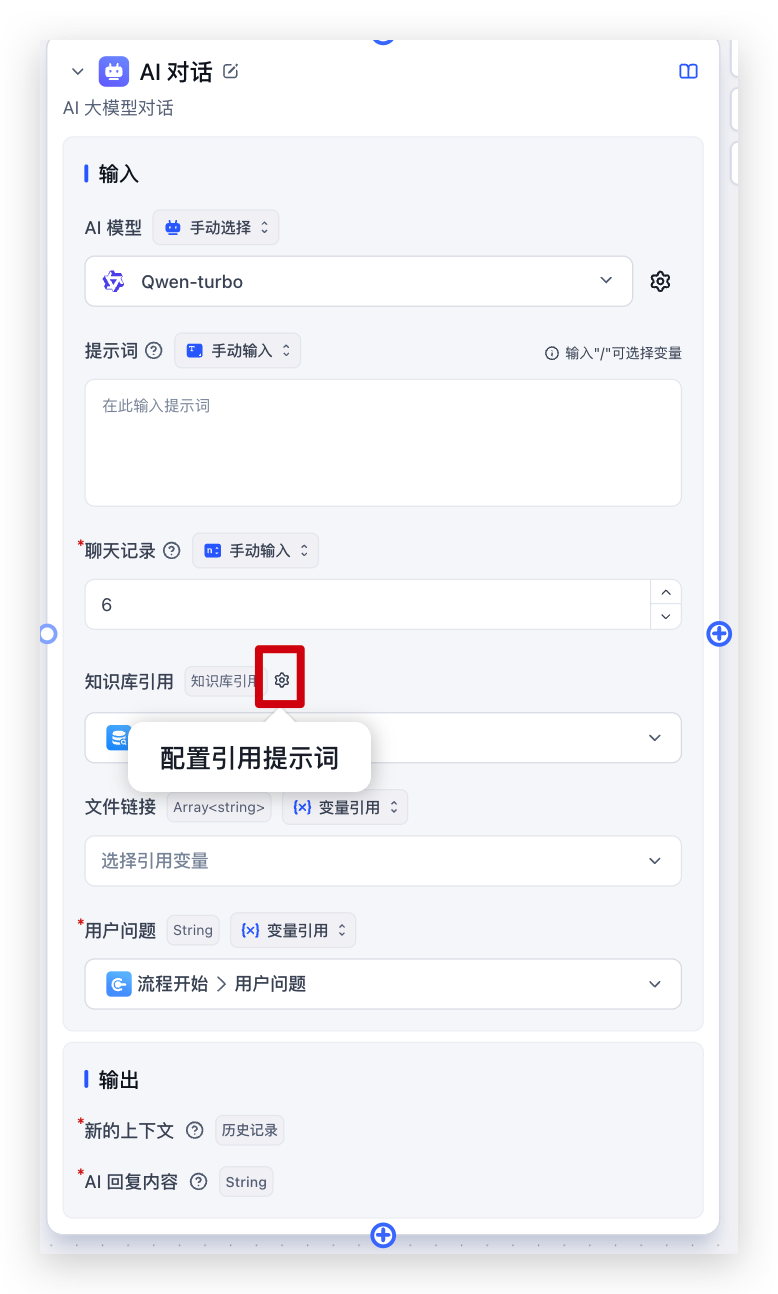 | 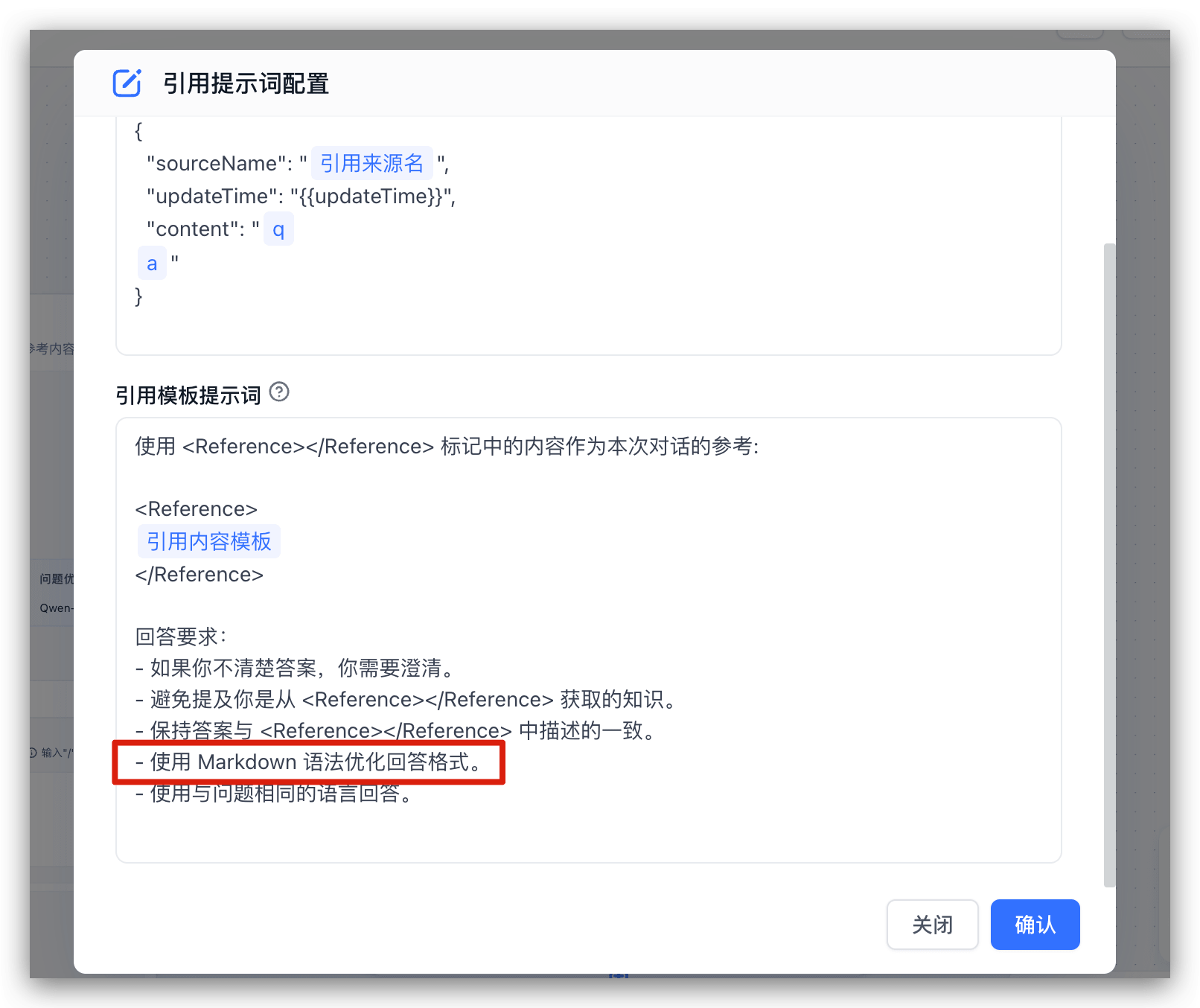 |
Inconsistent App Results
Q: The app produces different results in debug mode vs. production, or when called via API.
A: This is usually caused by differences in context. Check the chat logs, find the relevant entry, and compare the run details side by side.
 | 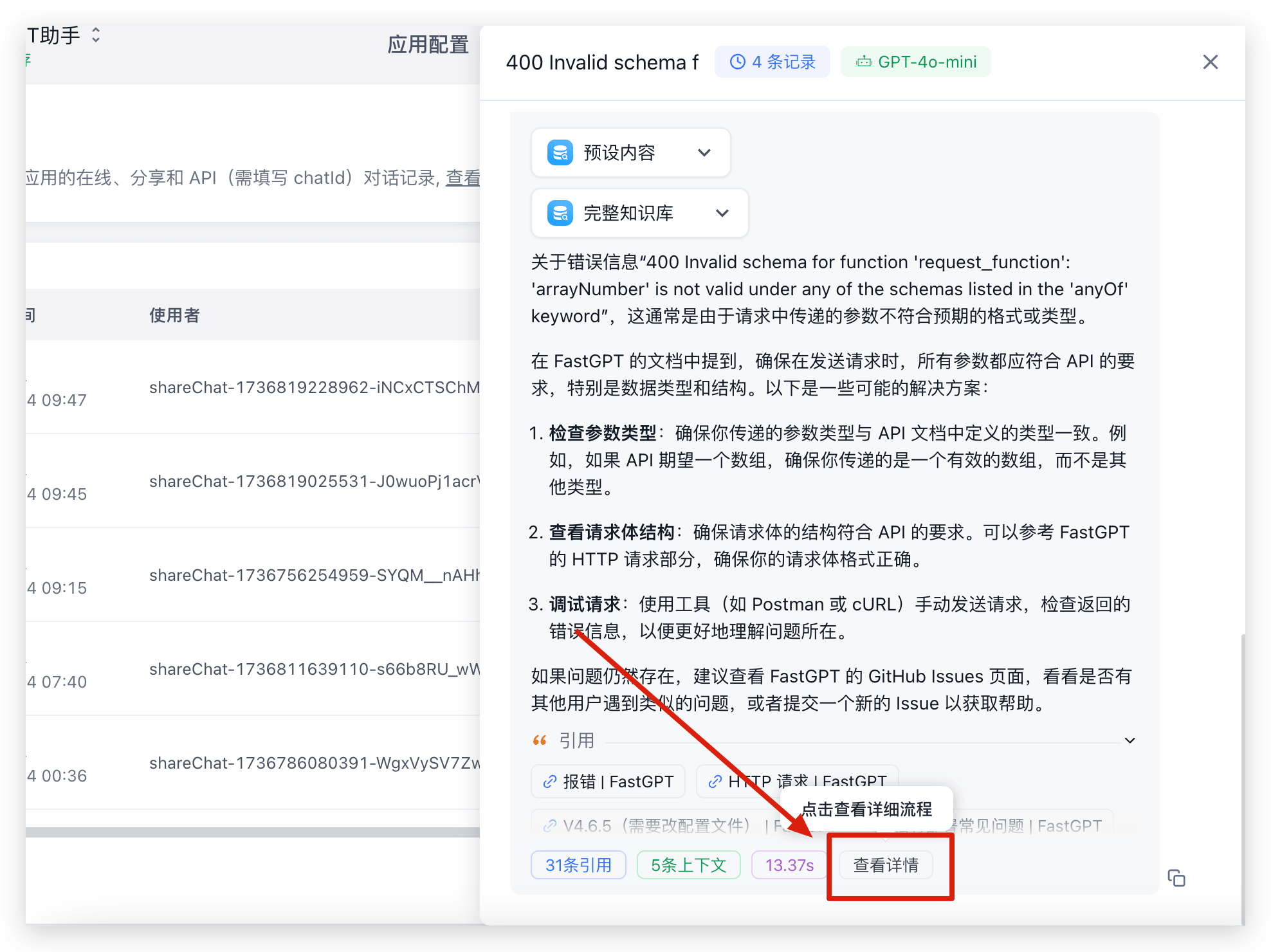 | 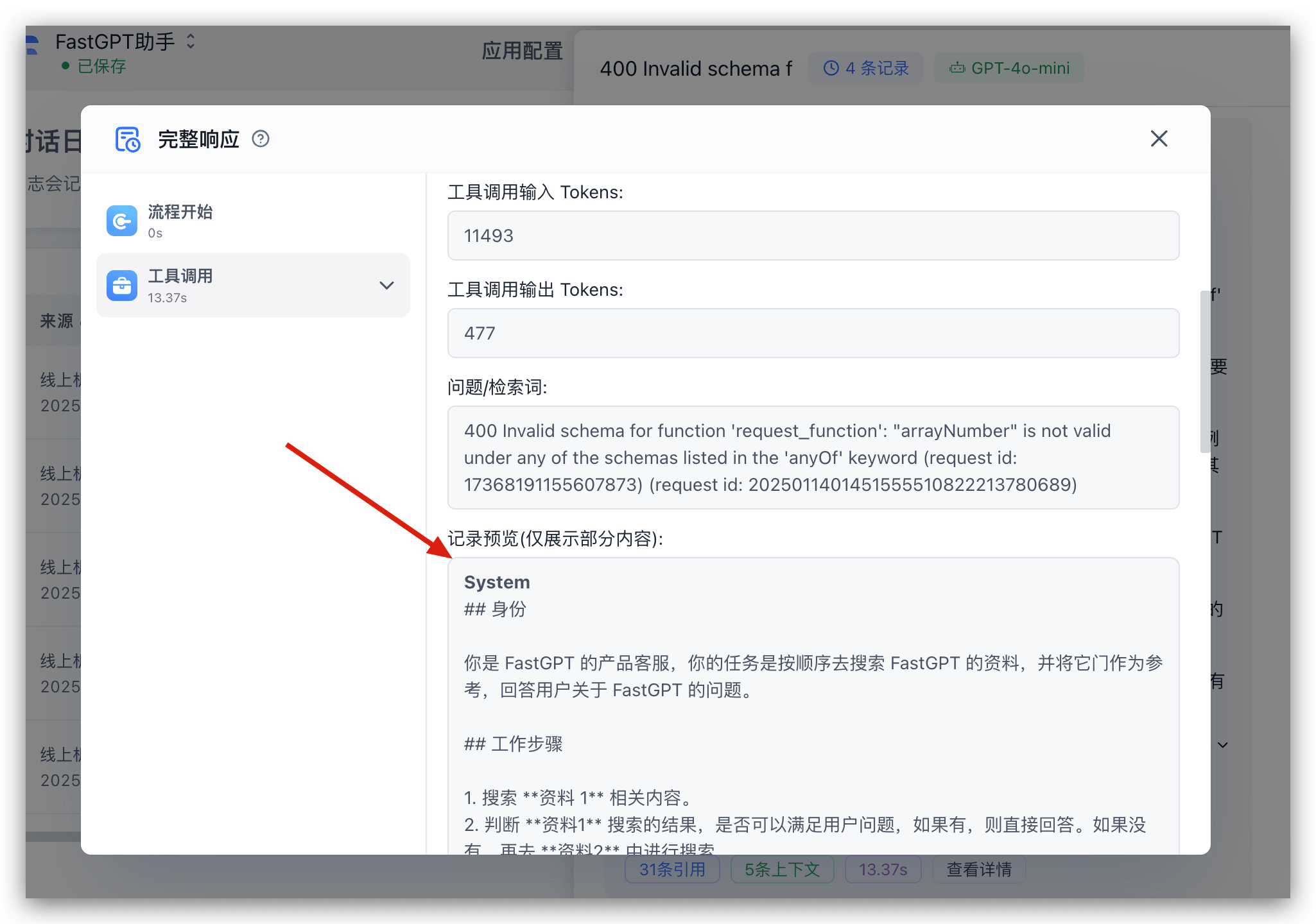 |
The Dataset response settings require a custom prompt. Without one, the default prompt (which includes Markdown formatting instructions) is used.
Skip Classification for Follow-Ups
Scenario: A workflow starts with a Question Classification node that routes to different branches, each with its own Dataset and AI Chat. After the first AI response, you want subsequent questions to skip classification and go straight to the Dataset with chat history as context.
Solution: Add a condition check — if it's the first message (history count is 0), route through Question Classification. Otherwise, go directly to the Dataset and AI Chat.
Formula Rendering Issues
Add a prompt to guide the model to output formulas in LaTeX/Markdown format:
Latex inline: \(x^2\)
Latex block: $$e=mc^2$$Last updated