
Dataset Collection Tags
How to use collection tags in FastGPT Dataset
Note: In FastGPT v4.17.1 and above, dataset collection tags have been upgraded to multi-dimensional typed tags (supporting option, number, and date attributes as well as visual retrieval condition filtering). For the latest documentation and usage, please see Dataset Collection Tags.
Collection tags are a commercial-edition feature in FastGPT. They let you tag and categorize data collections within a Dataset for more efficient data management.
You can also use tags as collection filters during Dataset searches for more precise results.
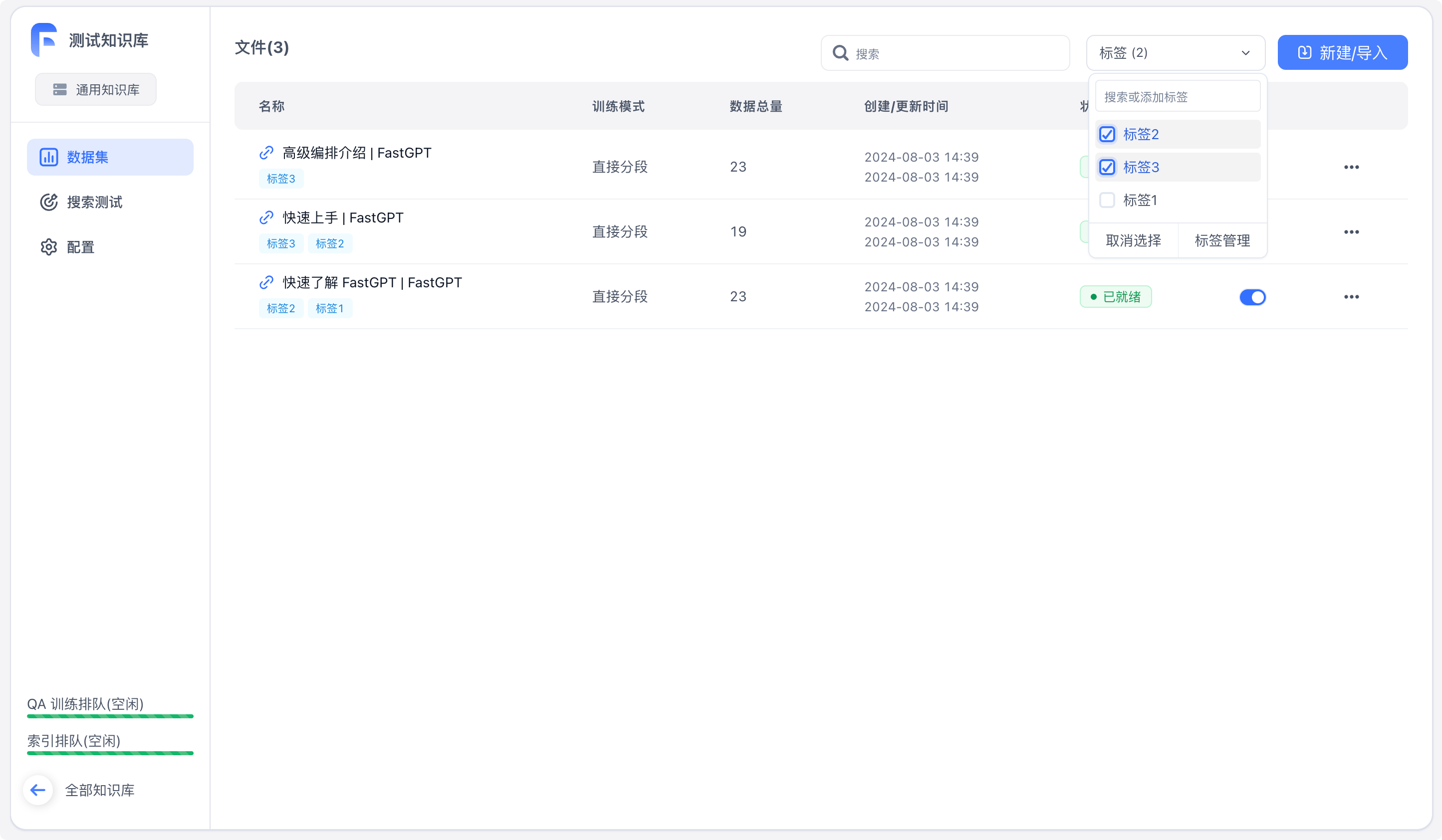 | 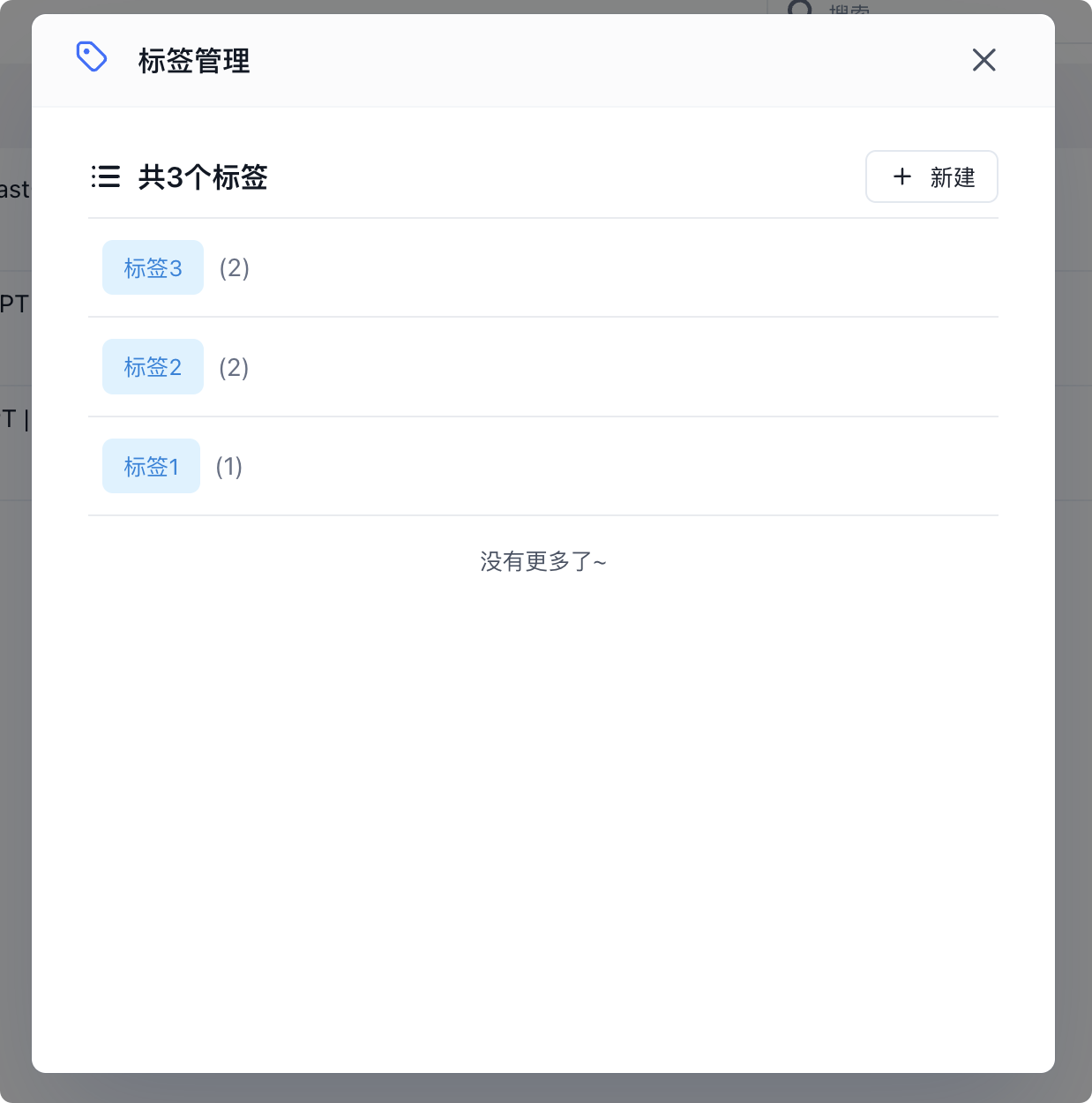 | 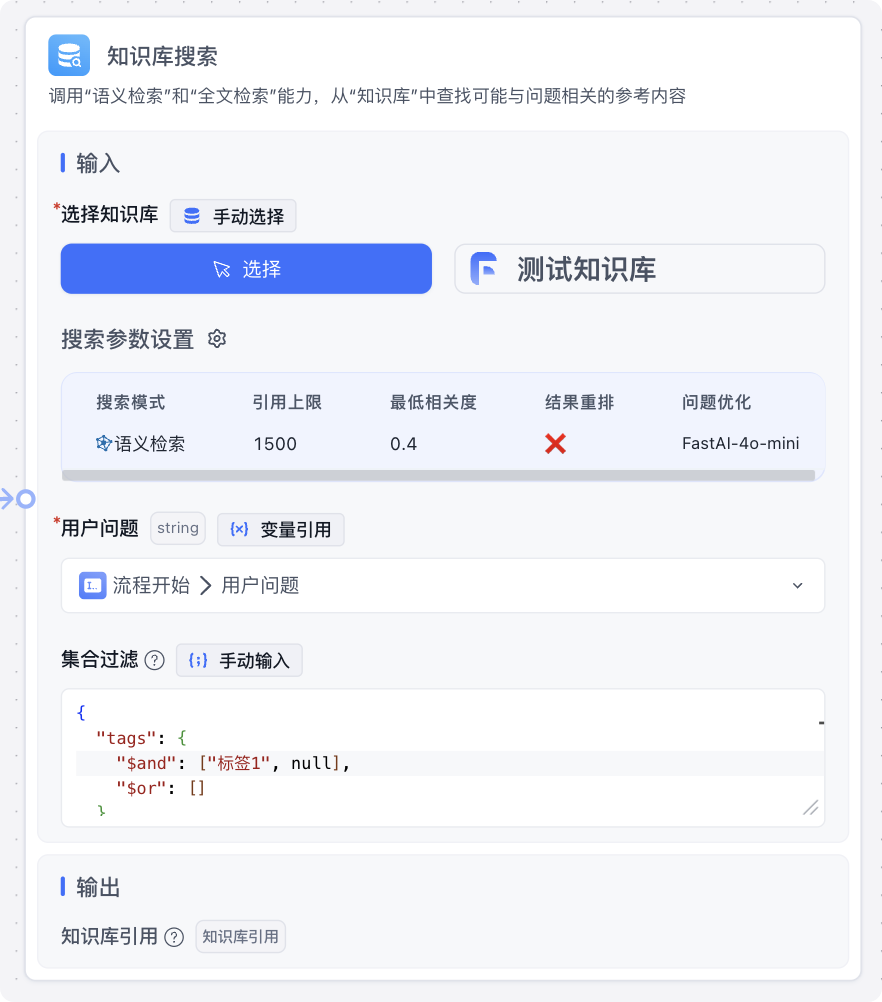 |
Basic Tag Operations
On the Dataset detail page, you can manage tags with the following operations:
- Create a tag
- Rename a tag
- Delete a tag
- Assign a tag to multiple collections
- Add multiple tags to a single collection
You can also filter collections by tags.
Collection Filtering in Dataset search
Tags can be used to filter collections during Dataset searches by filling in the "Collection Filter" field. Here's an example:
{
  "tags": {
    "$and": ["Tag 1", "Tag 2"],
    "$or": ["When $and tags are present, $and takes effect and $or is ignored"]
  },
  "createTime": {
    "$gte": "YYYY-MM-DD HH:mm format, matches collections created after this time",
    "$lte": "YYYY-MM-DD HH:mm format, matches collections created before this time. Can be used together with $gte"
  }
}
Two important notes:
- Tag values can be a
stringtag name ornull, wherenullrepresents collections with no tags assigned - There are two filter condition types:
$andand$or. When both are set, only$andtakes effect
Last updated