
WeChat Personal Account Integration
How to integrate FastGPT with a WeChat personal account
1. Create a Publishing Channel
Open your FastGPT Agent, click the tab at the top to switch to Publishing Channels, select WeChat Personal Account, and click Create.
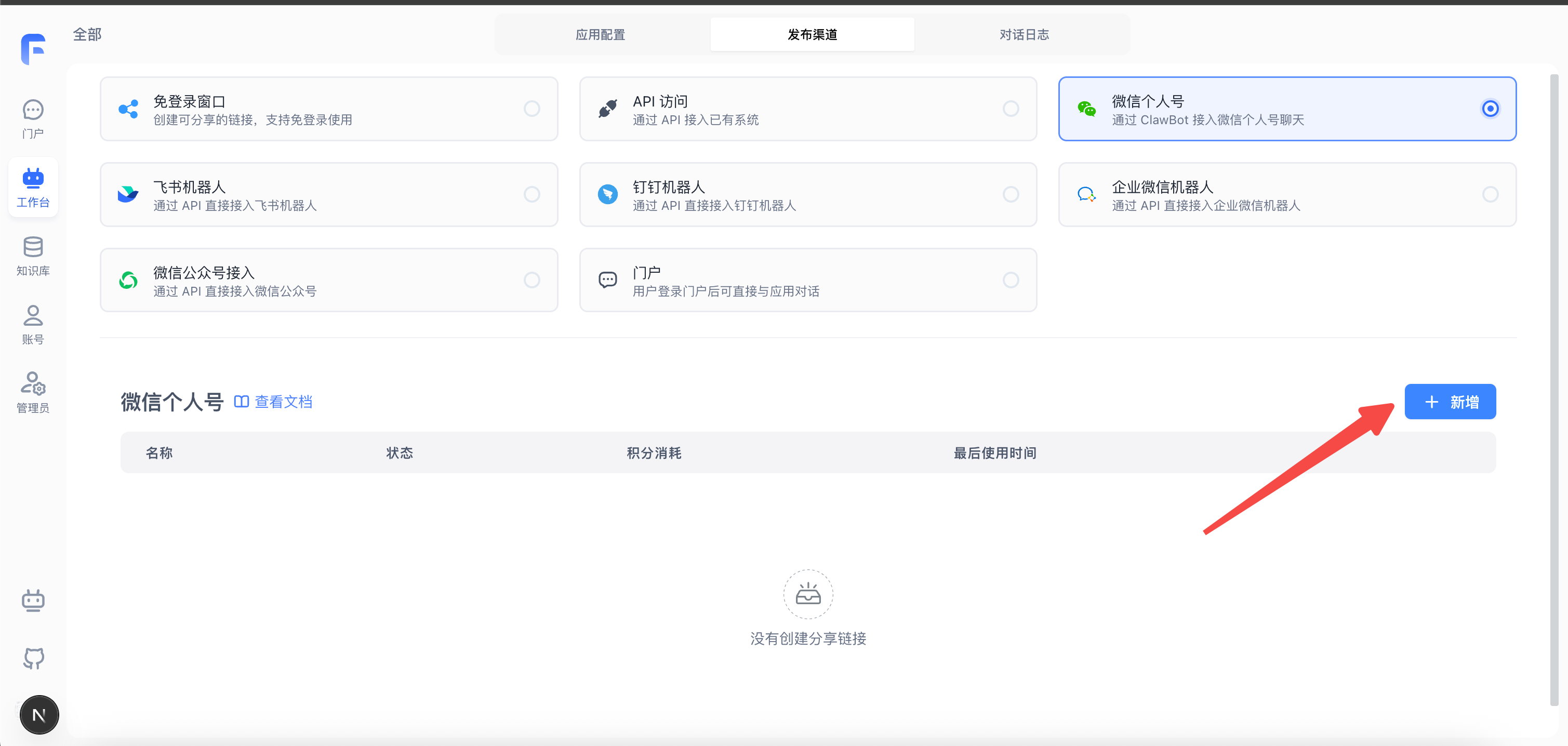
You can fill in the form fields as needed.
2. Scan QR Code to Log In
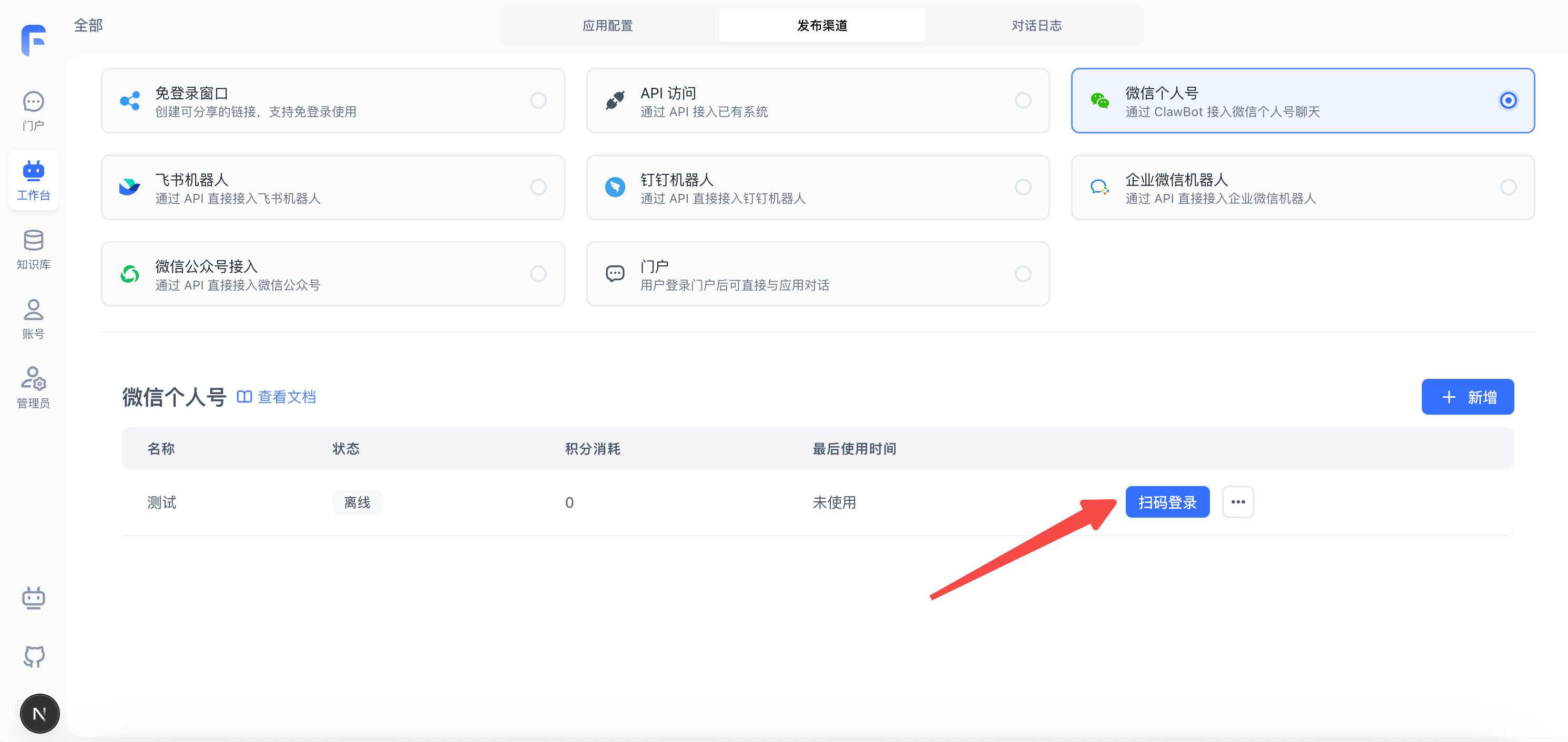
After creating the channel, a new entry will appear. For the first time, you need to scan a QR code to log in. Click Scan QR Code to Log In to display the login QR code.
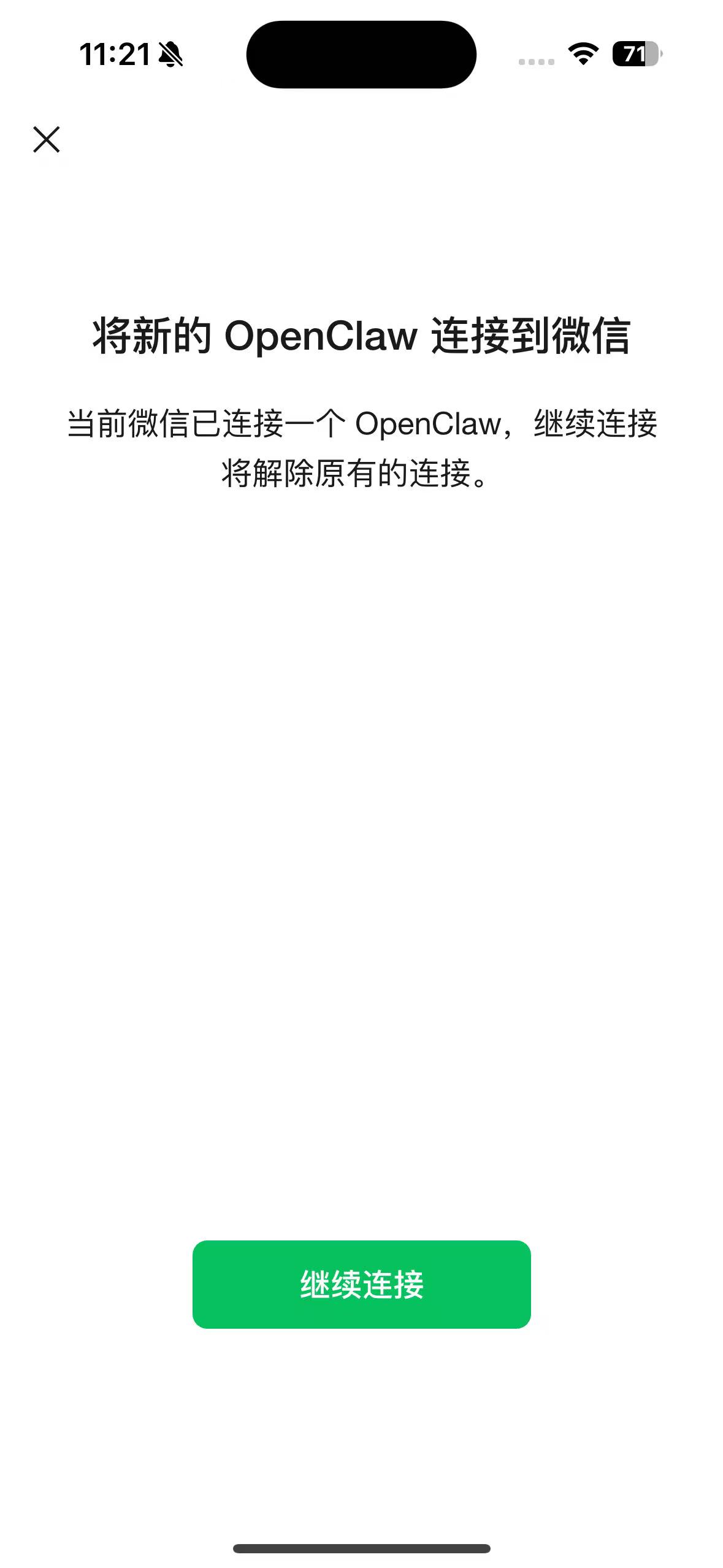
3. Start Chatting
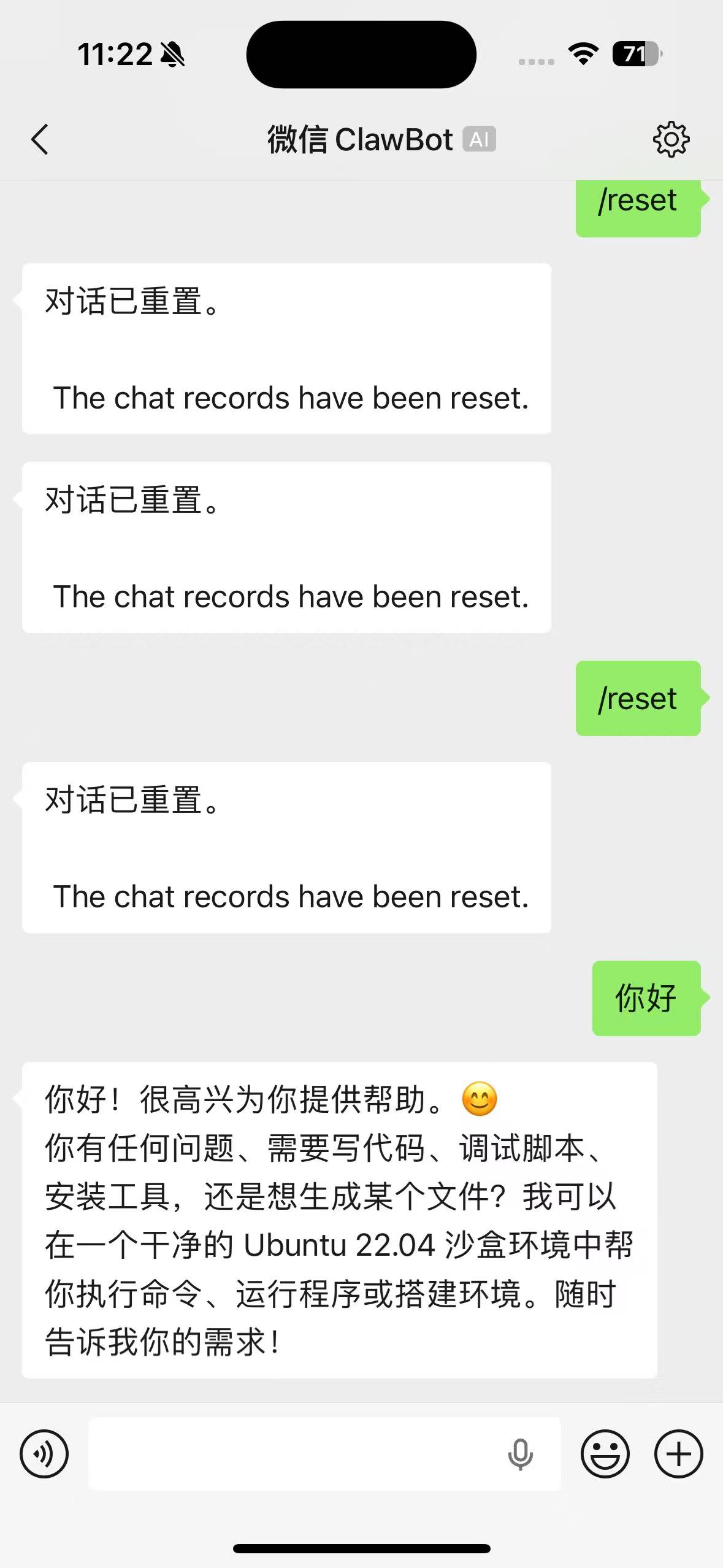
Once connected via QR code, a WeChat ClawBot will appear in your contacts list.
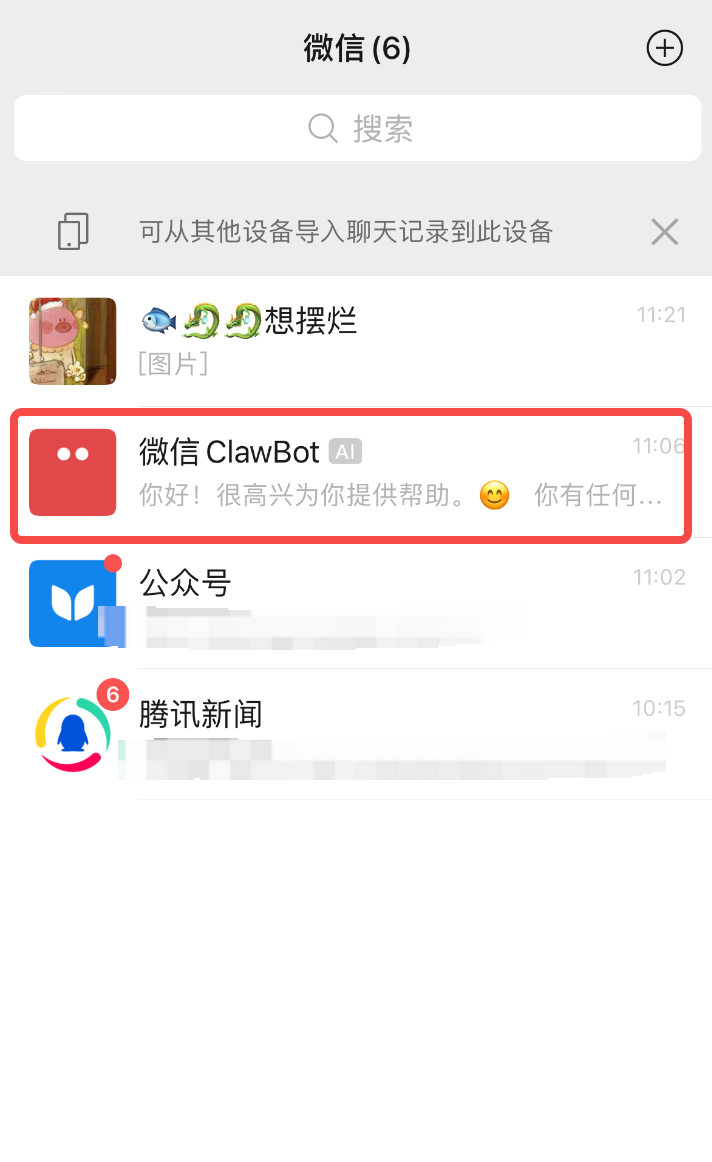
Click to open the conversation and start chatting!
FAQ
How to Reset a Chat
Type Reset or /reset in the input field to clear the chat history.
Edit on GitHub
File Updated