<4.12.0
V4.9.4
FastGPT V4.9.4 Release Notes
Upgrade Guide
1. Back Up Your Data
2. Install Redis
- For Docker deployments, refer to the latest
docker-compose.ymlfile to add Redis configuration. Add a Redis container and configure theREDIS_URLenvironment variable for bothfastgptandfastgpt-pro. - For Sealos deployments, create a new
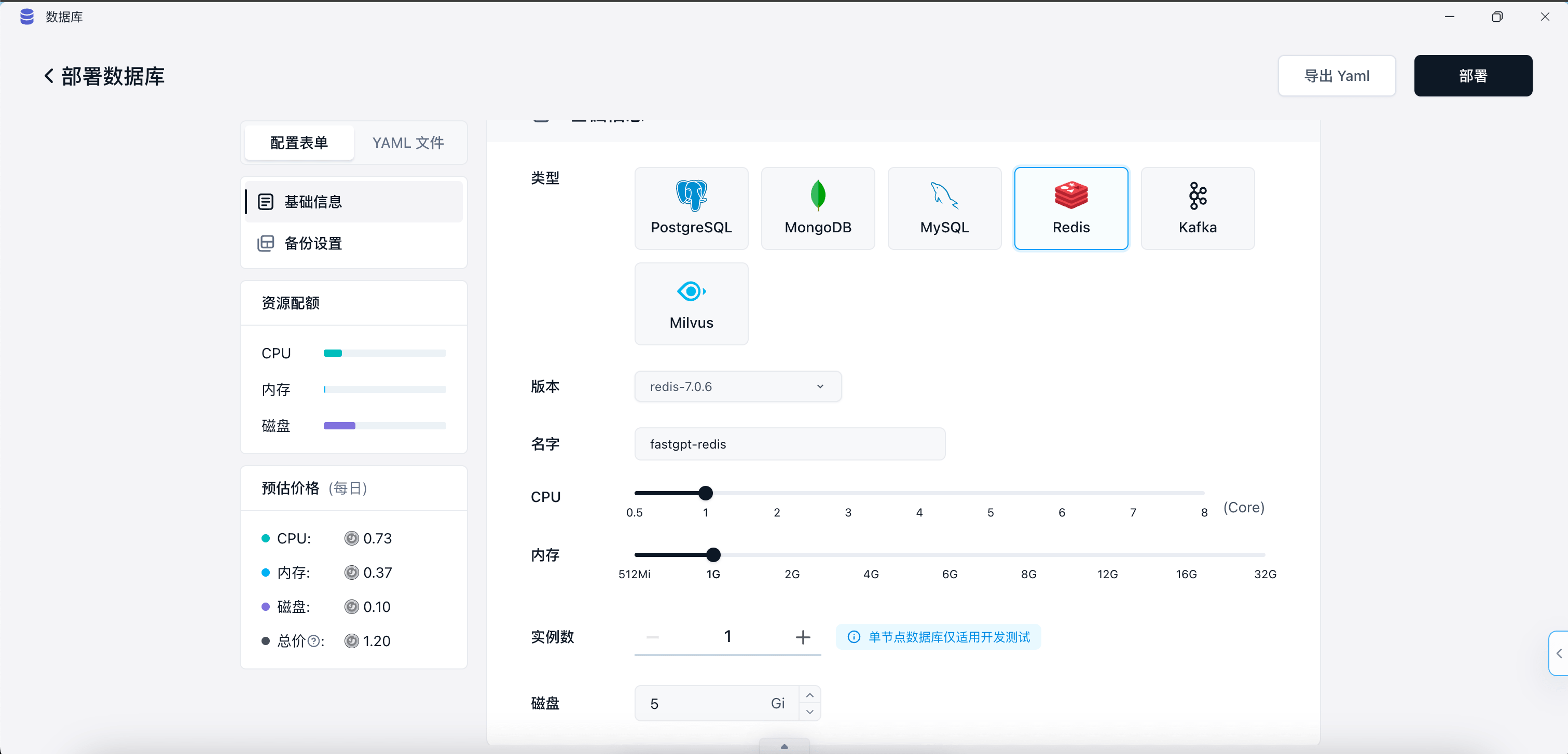
redisdatabase in the Database section, copy theinternal connectionURL as the Redis connection string, then configure theREDIS_URLenvironment variable for bothfastgptandfastgpt-pro.
 |  |  |
3. Update Image Tags
- Update FastGPT image tag: v4.9.4
- Update FastGPT Pro image tag: v4.9.4
- Sandbox: no update required
- AIProxy: no update required
4. Run the Upgrade Script
This script only needs to be run by Pro edition users.
From any terminal, send an HTTP request. Replace {{rootkey}} with the rootkey from your environment variables, and {{host}} with your FastGPT domain:
curl --location --request POST 'https://{{host}}/api/admin/initv494' \
--header 'rootkey: {{rootkey}}' \
--header 'Content-Type: application/json'
Script Functions
- Updates the site sync scheduler.
New Features
- Collection data training status display.
- SMTP email sending plugin.
- BullMQ message queue.
- Partial data caching via Redis.
- Site sync now supports configuring training parameters and incremental sync.
- AI chat/tool calls now return the model's
finish_reasonfield for easier tracking of output interruption causes. - Mobile voice input UI adjustments.
Improvements
- Admin template rendering adjustments.
- Chat file expiration time now configurable via environment variable.
- MongoDB log database can now be deployed independently.
Bug Fixes
- Unable to click into subdirectories when searching apps/knowledge bases.
- Retraining parameters not properly initialized.
- Inconsistent requests in package/service across multiple apps.
Edit on GitHub
File Updated