
System Plugins
Upload System Tools Online
FastGPT System Tool Online Upload Guide
Starting from FastGPT 4.14.0, system admins can upload and update system tools directly through the web interface for hot reloading.
Permission Requirements
⚠️ Important: Only root users can use the online system tool upload feature.
- Make sure you are logged in with the
rootaccount
Supported File Formats
- File type:
.pkgfiles - File size: Maximum 100 MB
- File count: Up to 15 files per upload
Upload Steps
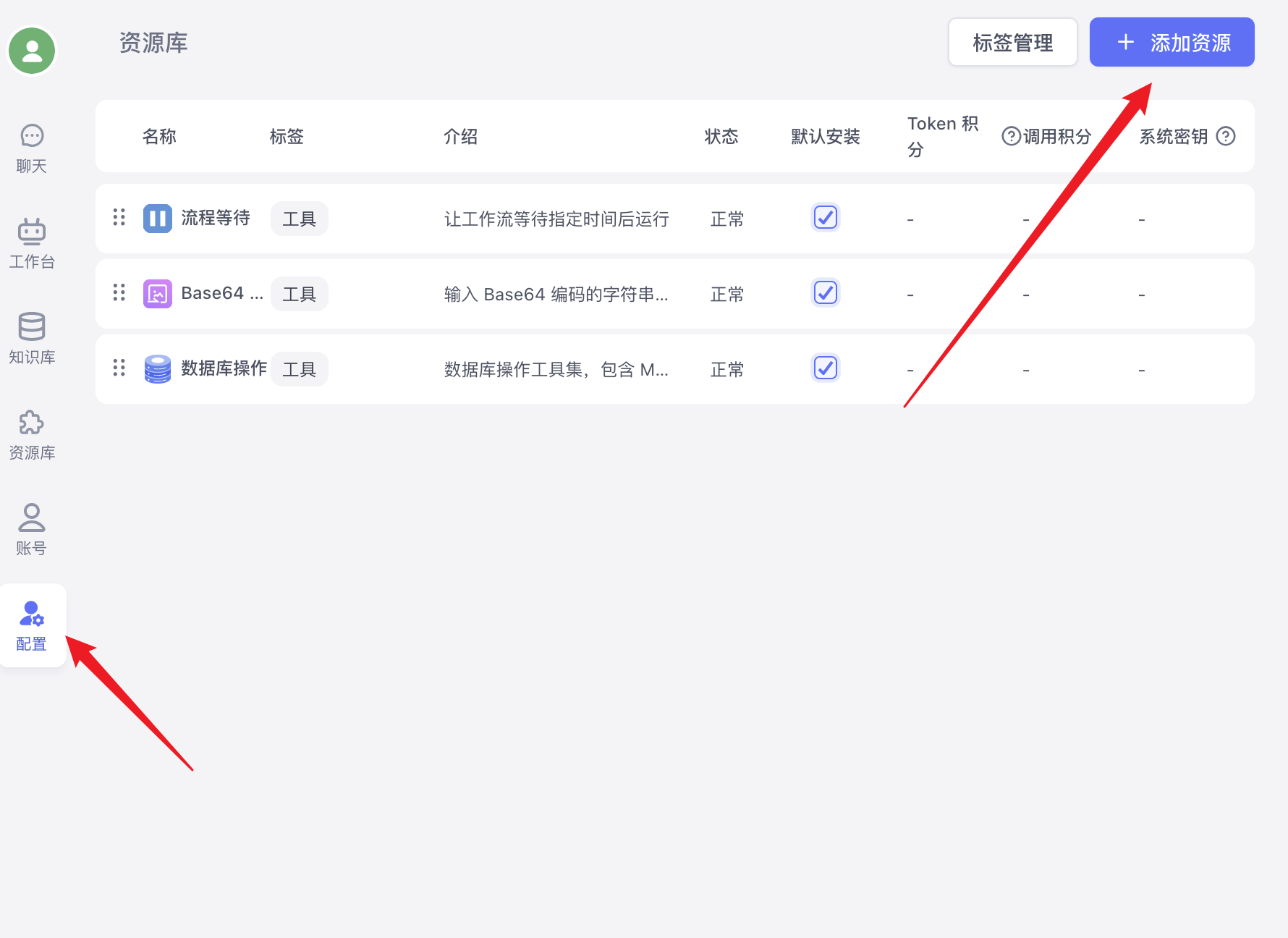
1. Access the Configuration Page
2. Prepare Tool Files
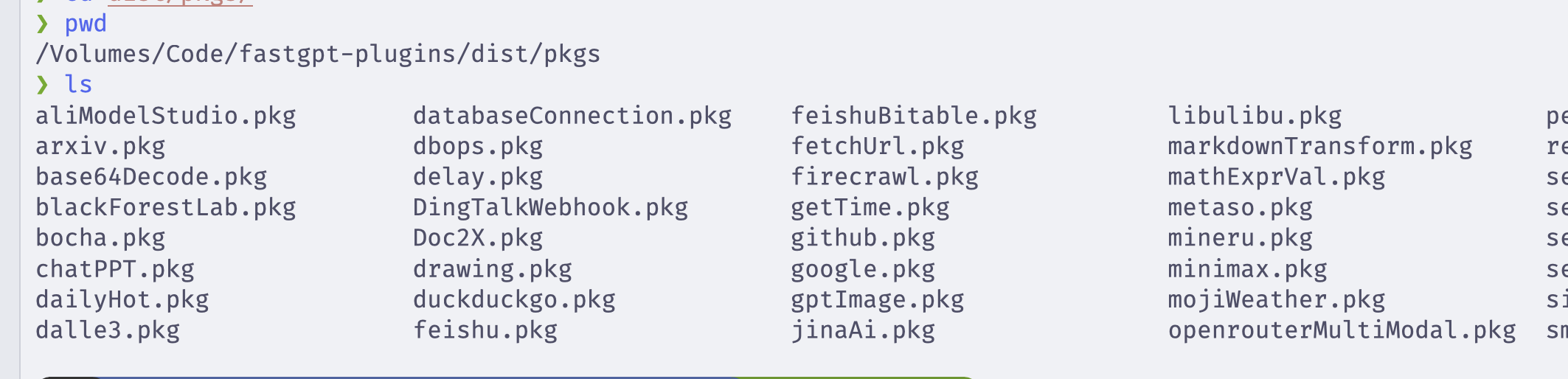
Before uploading, make sure your .pkg files are from the dist/pkgs folder, built by running bun run build:pkg in the fastgpt-plugin project.
3. Upload
- Click the "Import/Update" button
- In the dialog that appears, click the file selection area
- Select your prepared
.pkgtool files - After confirming the file details, click "Confirm Import"
4. Upload Process
- A success message will appear after the upload completes
- The page auto-refreshes and the new tools will appear in the tool list
Features
Tool Management
- View tools: All users can view installed system tools
- Upload tools: Only root users can upload new tools or update existing ones
- Delete tools: Only root users can delete uploaded tools
FAQ
Q: Can't see the "Import/Update" button
Reason: The current user is not a root user
Solution: Log in again with the root account
Edit on GitHub
File Updated